Your Google Docs comments. Finally on paper.
Print with Comments prints a Google Doc, or saves it as PDF, with every comment in the margin, right next to the text it's about. Export your comments to CSV or Markdown too.
Sound familiar?
Google Docs prints your text.
Not the conversation around it.
Print, and the comments are gone
File › Print gives you the text only. Every remark from your client, advisor or reviewer stays on screen.
So you copy them by hand
One by one into a table, or into a new Doc, then hunt for which passage each one was about.
Or you take screenshots
Page after page, cropped badly, and the long comments are cut off anyway.
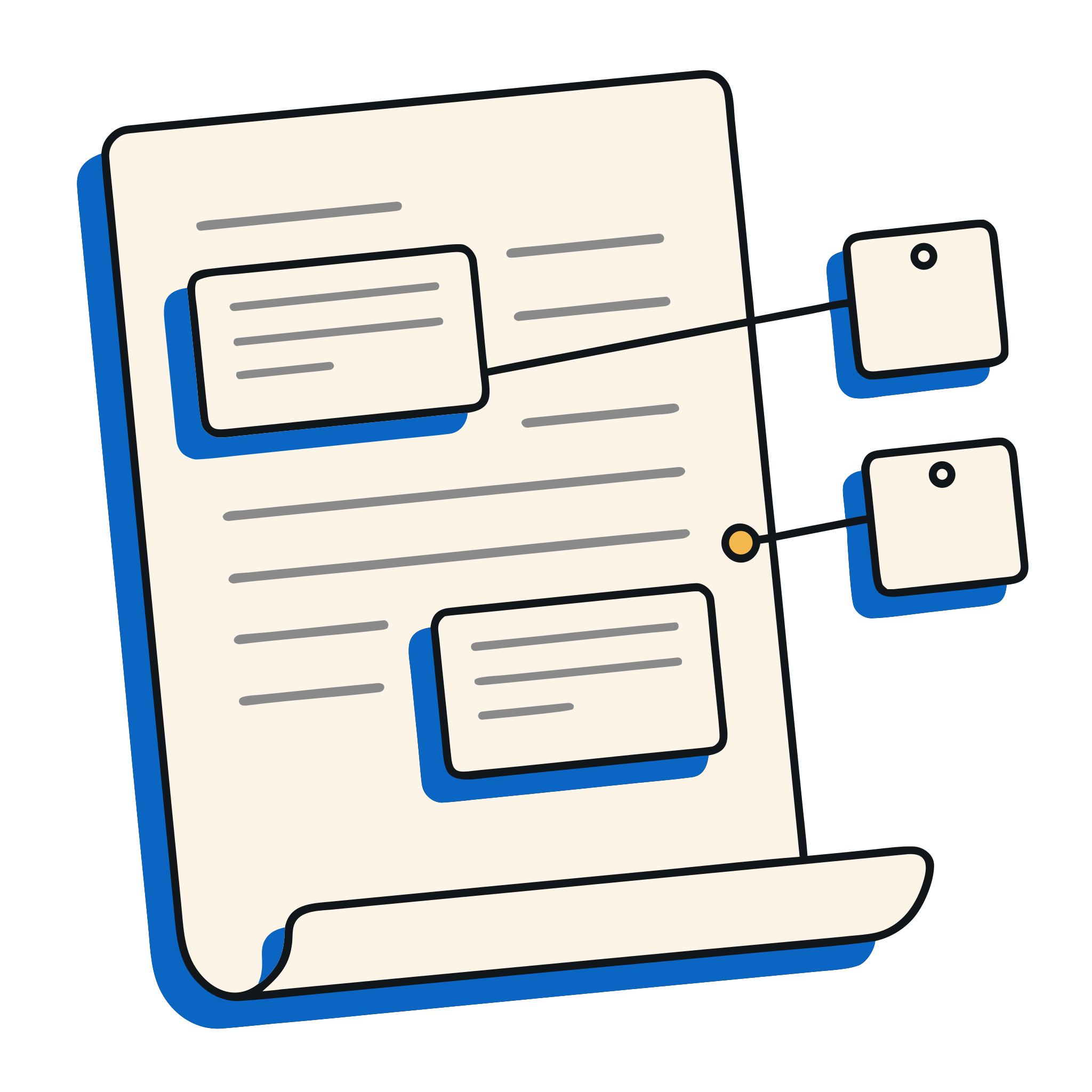
Every comment in the margin, next to its passage.
Open a Doc, click the extension, check the preview. Each comment is numbered and sits beside its highlighted passage, with its replies.
- One click, or Alt+Shift+Pthe preview opens straight away
- Replies includedgrouped under their comment, oldest first
- Print or “Save as PDF”the file is named after the Doc
Export
Keep track of every remark.
Turn the comments of a Doc into a file you can sort, share or paste into a ticket.
- CSV for a spreadsheetone row per comment, with author, date, passage and a “reply to” column
- Markdown for your notesa clean list, ready for a ticket or a wiki

Pro
The layout your review needs.
For a report, the list at the end. For a long review, landscape. For one reviewer, only their comments.
- Comments as a list at the endor in the margin and the list
- Paper size, landscape, text size
- Only one author's commentsprint and export

Privacy
Your documents stay in your browser.
The extension reads the Doc from Google with your own session, like File › Download, and lays it out on your computer. Nothing is sent to us, and nothing is kept.
- Nothing is sentyour Doc never reaches our server
- No account for the free versionit works right away
- No tracking, no adsno data resale, ever
- Google sign-in only for Proyour email, never your files
Plans
Free for every Doc. Pro for more control.
Monthly, cancel in one click. Secure payment by Stripe: we never see your card.
- Comments in the margin, next to their passage
- Replies included
- Print or save as PDF
- CSV and Markdown export
- Comments as a list at the end, or margin and list
- Paper size, landscape, text size
- Only one author's comments, in print and export
- Cancel in one click, any time
FAQ
Questions
Is my document sent anywhere?
No. The extension downloads the Doc from Google with your own session, the same way as File › Download, and lays it out in a tab on your computer. No document content reaches our server or anyone else, and none is kept.
Why are resolved comments missing?
Google leaves resolved comments out of its exports, so the extension cannot see them. Reopen the comment in Docs, then open the preview again.
Can I export comments without printing?
Yes. From the popup, “CSV” gives one row per comment with author, date, passage and a “reply to” column; “Markdown” gives a list ready for your notes or a ticket.
Do I need an account?
Not for the free version. Pro uses Google sign-in only to find your subscription on each of your computers.
How do I cancel Pro?
In the extension’s settings, “Manage subscription”: one click, any time. Removing the extension does not cancel the subscription by itself; the page that opens when you remove it lets you cancel or delete everything.
Is it made by Google?
No. It is an independent extension, not affiliated with or endorsed by Google.
Print your next review with its comments.
Free for Chrome. Available this Friday.